The workspace where documents come alive.
Write in blocks like you'd expect — then drop in sliders, formulas and charts that react to each other. Build a calculator, a dashboard, a deck. All offline, all yours, synced when you want it.
This is the actual OpenBook editor — not a video. Go on, drag the slider.
A familiar editor, with superpowers
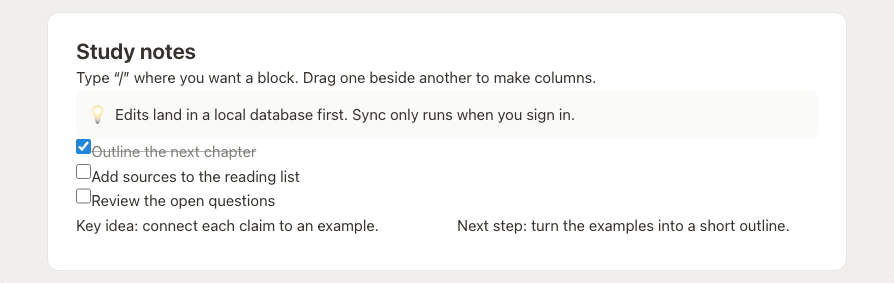
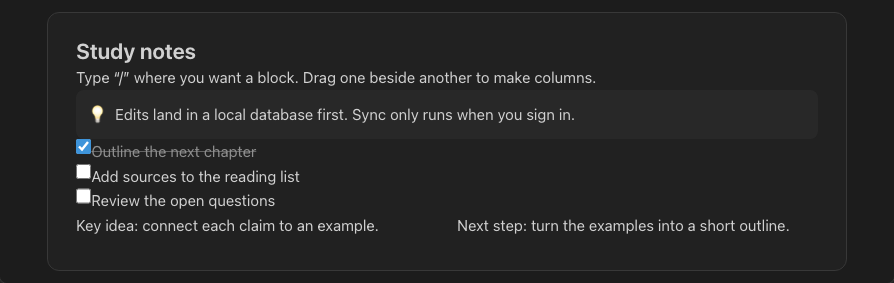
Headings, lists, to-dos, callouts, tables, columns, code — the blocks you know. Type “/” to insert, drag the handle to rearrange, drop one beside another to make columns.
Blocks that compose
Nest, drag, and arrange. Columns, toggles, tabs and groups give structure without leaving the keyboard.
Reactive by default
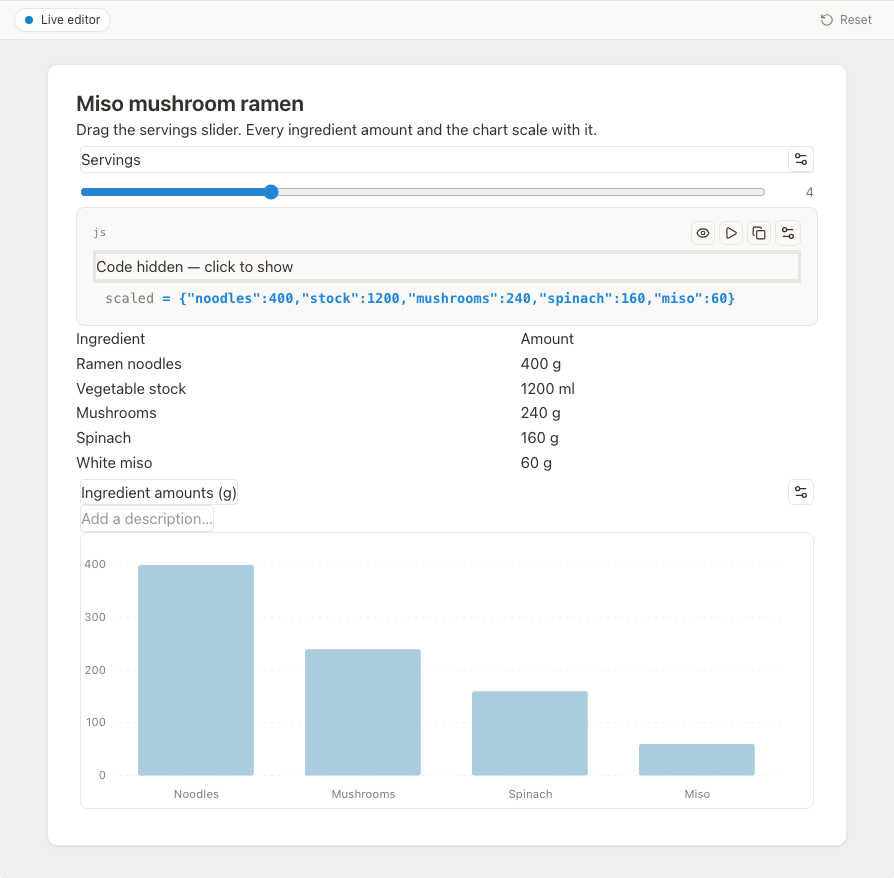
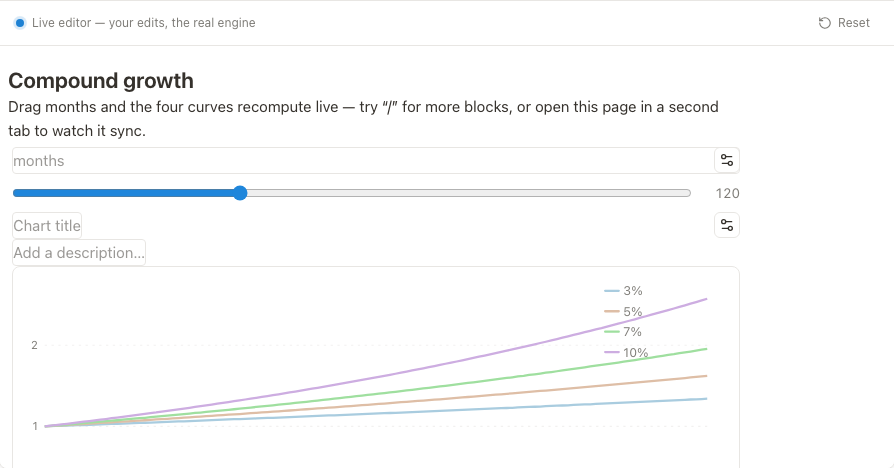
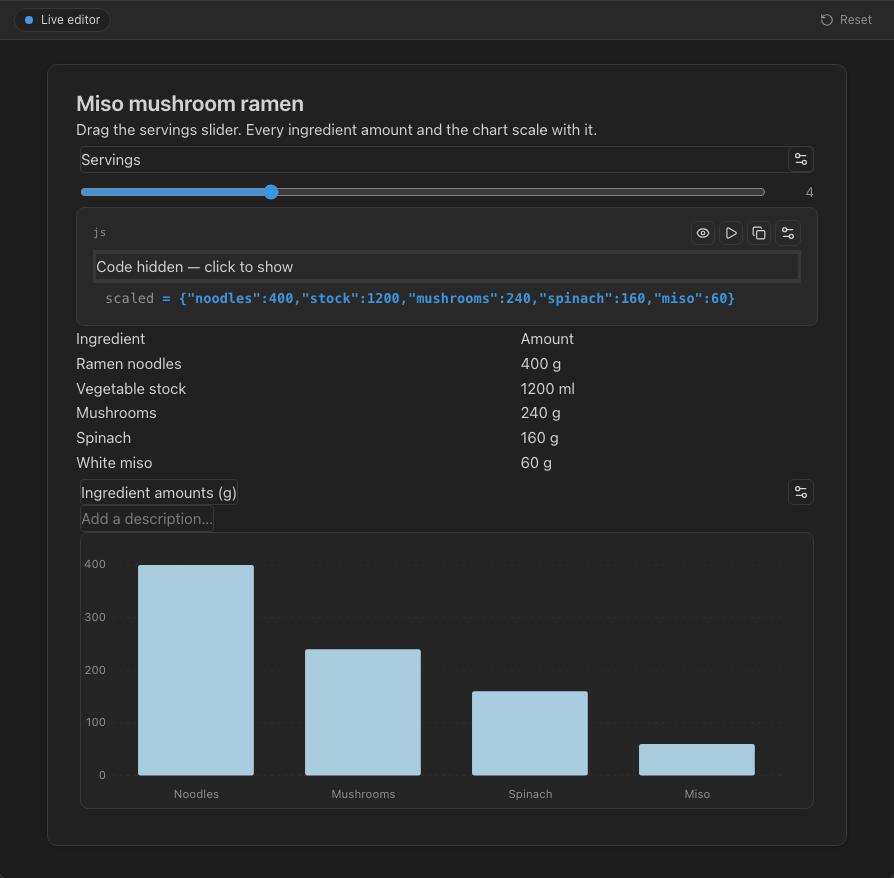
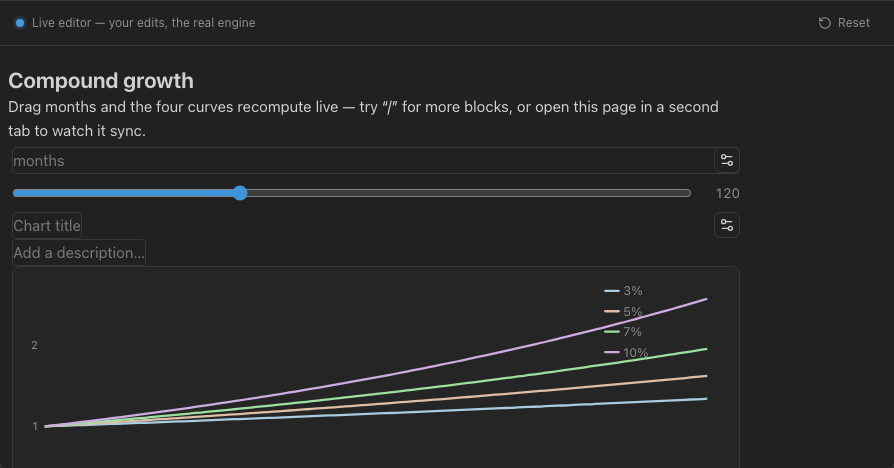
Sliders, inputs and formulas publish named values. Charts and status lights read them and update live.
Real-time, CRDT-native
Built on Yjs. Two people, two tabs, or one device offline — everything merges cleanly when it reconnects.
Build little interactive tools, inline
A slider feeds a formula. The formula feeds a chart. A toggle flips a status light. OpenBook turns a page into the throwaway calculator, picker or dashboard you'd otherwise hand-code — out of reusable, collaborative blocks.
- Named inputs: sliders, steppers, text, radios, checklists, toggles
- Live formulas and charts (line, bar, pie, scatter, funnel)
- Lock a group to share it as a read-only tool

Tables that become boards, galleries and maps
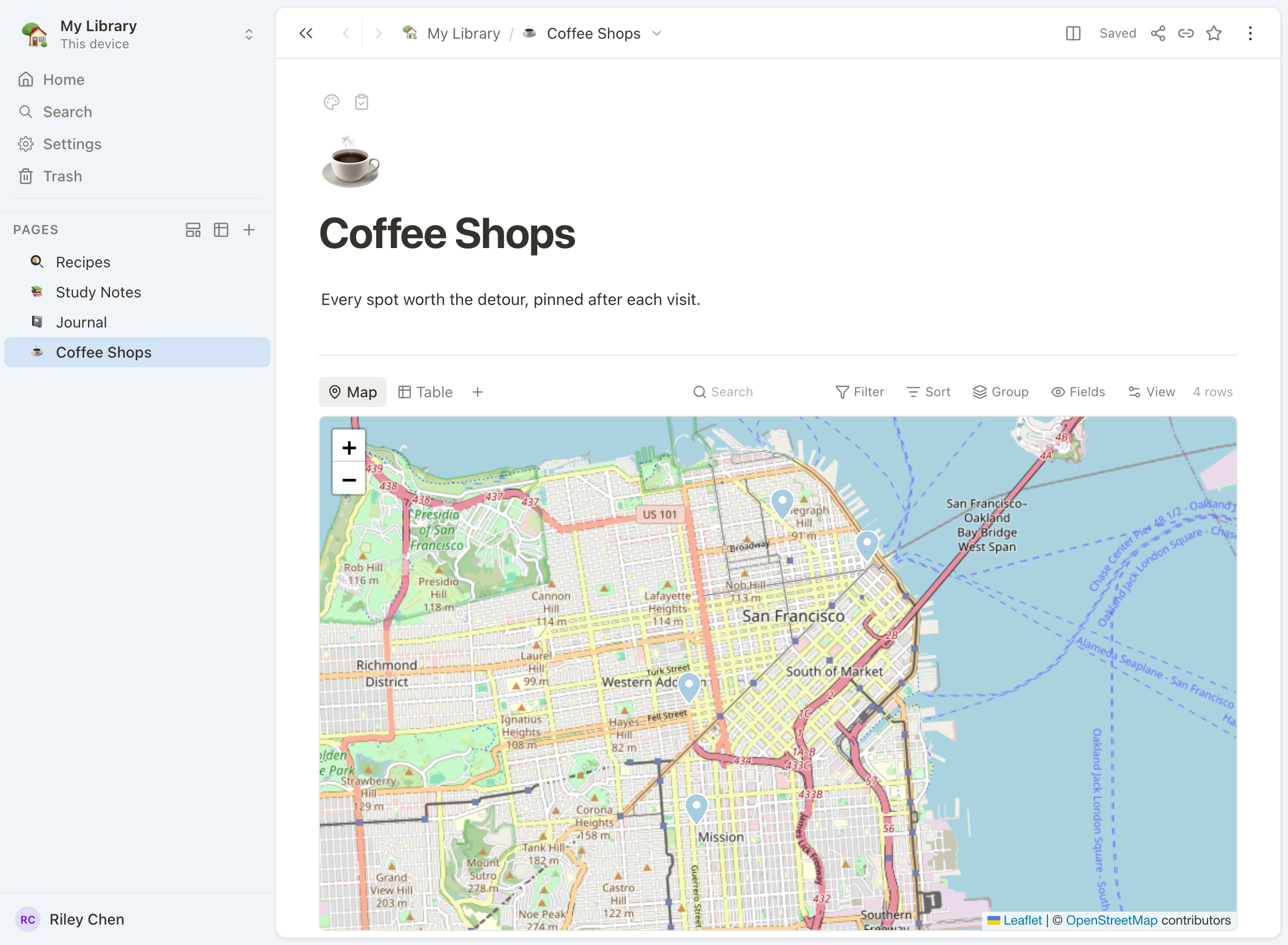
Give your notes structure. A database renders as a table, a kanban board, a gallery, a calendar, a swimlane or a map — same data, the view that fits the moment.
- Table, board, gallery, calendar, swimlane, map
- Typed columns: text, number, select, date, relation
- Filter, sort and group without a query language

Your page is already a deck
Add dividers and hit present. OpenBook splits the page into slides — an immersive full screen, or a presenter console with the next slide, speaker notes and a timer. Interactive widgets stay live on stage.
- Full-screen and presenter views
- Speaker notes, hidden from the audience
- Export to PDF or a self-contained HTML deck

Fast because it's yours
Your data lives on your device first. OpenBook works at full speed offline; sync is something you turn on, not something you depend on.
Offline-first
Every edit lands locally and instantly. No spinner waiting on a server.
Optional sync
Sign in to sync settings and pages across devices — or never, and stay fully local.
Desktop & web
A native desktop app and the web, sharing the exact same editor.
Open exports
HTML, PDF and Markdown. Your words leave as cleanly as they arrived.
Calm by design
A warm, minimal surface that gets out of the way — the document is the hero.


Start a page. Watch it come alive.
Free to use, local-first, and yours to keep. Get the app, or sign in to sync.